How to extract the audio from a video as MP3 — offline
Save the sound of any video (lecture, concert, podcast recording) as an MP3 file in a couple of clicks.
Free · no account · 3 free uses of every tool · also for Mac (Intel), Windows, Linux
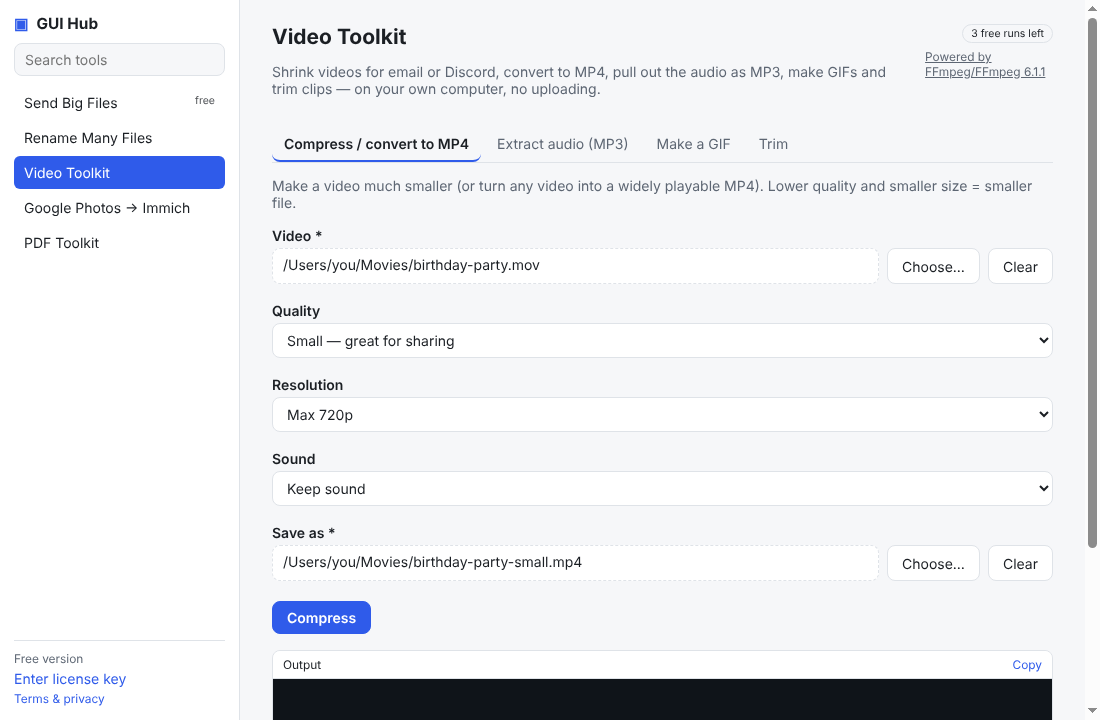
- Open GUI Hub → Video Toolkit → Extract audio (MP3).
- Choose the video and an audio quality (192 kbps is great for music; 128 kbps is plenty for speech).
- Choose where to save and press Extract.
Works with MP4, MOV, MKV, AVI, WEBM and most other video formats. Only use it for videos you have the right to copy.
Try it now
Free download — use it 3 times free. $9 once unlocks everything. Prefer to ask your AI? GUI Hub also works as an MCP server for Claude, Cursor and others.