How to let Claude or Cursor analyse a big CSV or Excel file on your computer
Files too large to paste into chat? Give your AI a local data engine: it queries the file where it is and only reads back the answer.
Free · no account · 3 free uses of every tool · also for Mac (Intel), Windows, Linux
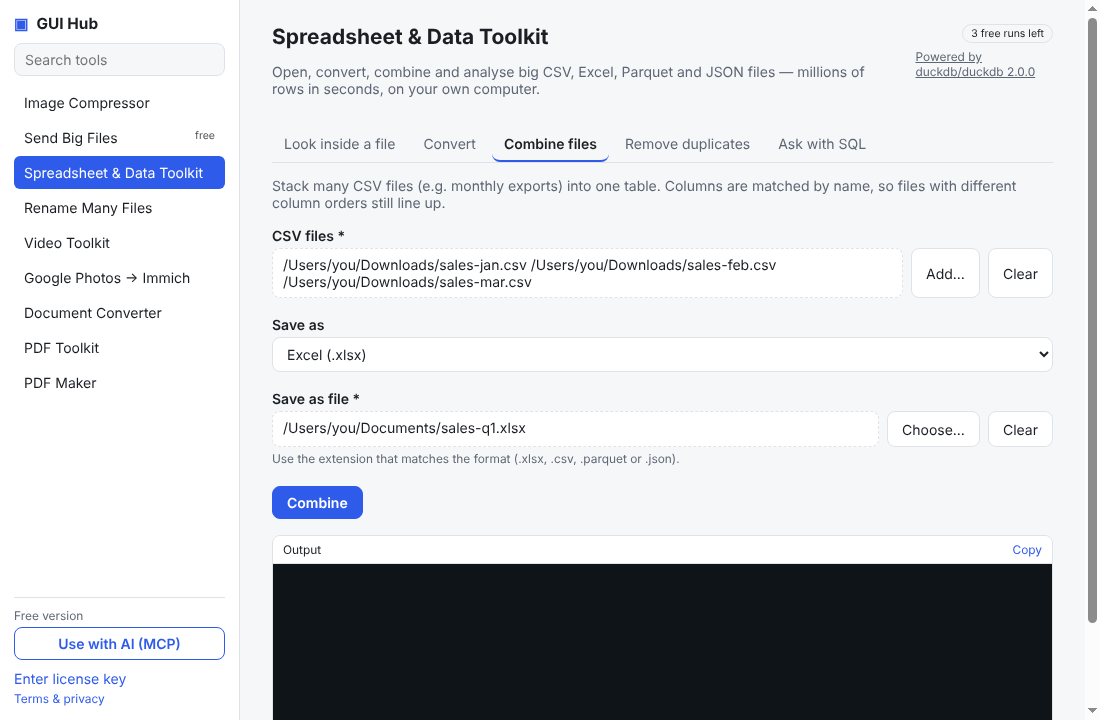
Chat assistants choke on large spreadsheets: uploads are limited, pasting truncates, and you may not want sales or customer data leaving your machine. GUI Hub Data gives Claude, Cursor or VS Code a local DuckDB engine instead.
Set it up once
- Install GUI Hub (or add
npx -y github:MuttyRab/MuttyRab.github.io --product=dataas an MCP server). - Restart your AI app.
Then just ask
- “Look at ~/Downloads/orders-2025.csv and tell me which month had the highest revenue.”
- “Combine all the CSVs in ~/Exports into one Excel file.”
- “Find customers who appear in both customers.xlsx and churn.csv.”
The assistant first calls duckdb_summarize to see the columns, then duckdb_query to compute the answer — only the result table comes back into the chat.
Why it works on huge files
DuckDB reads CSV, Excel, Parquet and JSON directly and processes millions of rows in seconds without loading them into the conversation.
Try it now
Free download — use it 3 times free. $9 once unlocks everything. Prefer to ask your AI? GUI Hub also works as an MCP server for Claude, Cursor and others.