Send Big Files
The croc app and MCP server
Send files or whole folders of any size to another computer with a short code. Encrypted, no account, no size limit.
Free · no account · 3 free uses of every tool · also for Mac (Intel), Windows, Linux
The croc app and MCP server
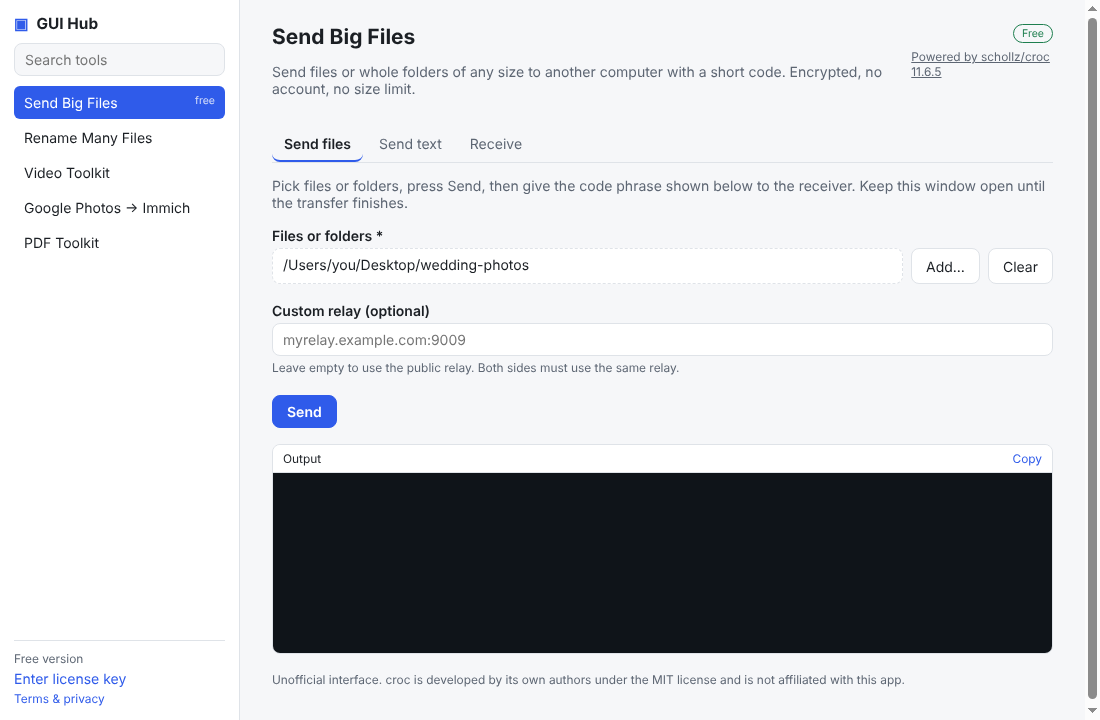
Send files or whole folders of any size to another computer with a short code. Encrypted, no account, no size limit.
Free · no account · 3 free uses of every tool · also for Mac (Intel), Windows, Linux

Pick files or folders, press Send, then give the code phrase shown below to the receiver. Keep this window open until the transfer finishes.
Send a short piece of text, such as a link or a password, to another computer.
Enter the code phrase the sender gave you and choose where to save.
GUI Hub gives your assistant this tool. Install it once (below) and ask in plain words.
| MCP tool | What it does | Inputs |
|---|---|---|
| croc_receive | Receive files sent with croc: give the code phrase from the sender and a destination folder. Existing files are kept (renamed) unless existing="overwrite". | code* string dest* string existing string relay string |
* required
Free to try — 3 full uses of every tool.
Download the one-file extension, double-click it, press Install. Done — ask Claude for a file job.
Download gui-hub.mcpbAdd an MCP server with this command (needs Node.js 18+):
npx -y github:MuttyRab/MuttyRab.github.io
Claude Code:
claude mcp add gui-hub -- npx -y github:MuttyRab/MuttyRab.github.io
Point-and-click forms for every tool, plus a Use with AI button that connects Claude Desktop or Cursor for you.
Download for WindowsNew independent apps get this one-time caution. The full source is public on GitHub.
“Send files” runs the official croc 11.6.5 program with arguments passed directly — never through a shell.
croc send /Users/you/Desktop/photos
Powered by croc 11.6.5 (MIT), downloaded from its official release and verified by SHA-256. GUI Hub is independent and not affiliated with croc.